The spi9 App for Android
Play slots, live casino, cricket betting and more directly from your phone. The spi9 app gives you the full platform experience — fast deposits via bKash or Nagad, one-tap login, and instant notifications on live matches.
Version 2.2.16 · 58 MB · Free · Android 6.0+
Scan this QR code on your Android phone to go straight to the APK download page.
Download the spi9 APK: File Details
The spi9 app is a free APK file distributed directly from spi9.pro. No app store listing is required. All details below match the current release — always download from this page to avoid unofficial copies.
| File Name | spi9.apk |
| Version | 2.2.16 |
| File Size | 58 MB |
| Minimum Android | Android 6.0 (Marshmallow) |
| Last Updated | 6 November 2026 |
| Price | Free |
| Language | English / Bangla |
| Developer | spi9 |
You are downloading directly from spi9.pro. The file has been scanned and verified. Your Android phone may show a security prompt — this is normal for APK files outside the Play Store.
File: spi9.apk · 58 MB · Free
Download spi9.apkApp vs Web Browser: What's Different
Both the spi9 app and the mobile browser version give you access to your account and all games. The app goes further in a few areas that matter for everyday use in Bangladesh — especially on slower mobile connections.
| Feature | spi9 App | Mobile Browser |
|---|---|---|
| Push notifications for live matches & promos | ||
| One-tap login with saved credentials | ||
| Offline match schedule viewing | ||
| Faster page load on 4G/3G connections | ||
| Full game library (slots, live, fishing, sports) | ||
| bKash / Nagad deposit & withdrawal | ||
| Fingerprint / PIN quick unlock | ||
| Automatic updates | ||
| Live chat support shortcut |
= available but with limitations · Automatic updates in the app require you to tap "Update" when prompted inside the app.
Security & App Permissions
The spi9 app only requests permissions it actually needs. It does not access your contacts, messages, or call logs. Here is what the app needs and why.
SSL-Encrypted Traffic
All data between the spi9 app and our servers is encrypted using TLS 1.3. This includes login credentials, deposit requests, and game session data. Even on public Wi-Fi in Dhaka, your account details are protected in transit.
Network Access Only
The app requests internet access to load games and process payments. It does not read your SMS inbox, access contacts, or track your location. You will not see permission prompts for microphone or camera on install.
Local Storage for Session
The app stores your session token and preferences locally on your device — this is what enables one-tap login. No passwords are stored in plain text. Clearing the app data from Android Settings will remove the saved session immediately.
Download Only from spi9.pro
Third-party APK sites may distribute modified versions. Only download spi9.apk from this page. The file size is exactly 58 MB — if you see a file larger or smaller than this, do not install it. When in doubt, re-download from spi9.pro.
Install the spi9 APK on Android: 5 Steps
Android blocks APK files from outside the Play Store by default. You need to allow "unknown sources" once before the install can proceed. The whole process takes under two minutes on most phones.
-
1
Allow Installation from Unknown Sources
Open Settings on your Android phone. Go to Security (or Privacy on newer phones) and enable Install Unknown Apps for your browser or file manager. On Android 8+, this prompt appears automatically when you try to open the APK file — you can approve it at that point without changing settings in advance.
-
2
Download the APK File
Tap the Download APK button on this page. Your browser will save
spi9.apk(58 MB) to your phone's Downloads folder. Wait for the download bar to reach 100% before proceeding. On a 4G connection in Bangladesh, this typically takes under 30 seconds. -
3
Open the APK File
Open your phone's File Manager and navigate to the Downloads folder. Tap
spi9.apk. If a security prompt appears, tap Install Anyway — this is a standard Android warning for all APK files, not a sign of a problem with the spi9 app specifically. -
4
Wait for the Install to Complete
Android will show an installation progress bar. This usually takes 10–20 seconds. Do not close the screen or put your phone into airplane mode during this step. Once you see "App installed", the spi9 app icon will appear on your home screen and in your app drawer.
-
5
Log In or Register Your Account
Tap the spi9 icon to open the app. If you already have an account, go to spi9 Login inside the app. First-time users can tap Register and create an account in under two minutes. After logging in, your first deposit via bKash or Nagad is eligible for the welcome bonus.
iPhone Users: Add spi9 to Your Home Screen
Apple does not allow APK files. iPhone and iPad users can access the full spi9 platform through Safari and add it as a home screen shortcut — this gives an app-like experience without the App Store.
- Open Safari on your iPhone and go to spi9.pro.
- Tap the Share button (the box with an arrow pointing up) at the bottom of the screen.
- Scroll down in the share menu and tap Add to Home Screen.
- Tap Add in the top-right corner. The spi9 icon will appear on your home screen like any other app.
This method works with Safari only — Chrome and Firefox on iOS do not support Add to Home Screen for web apps.
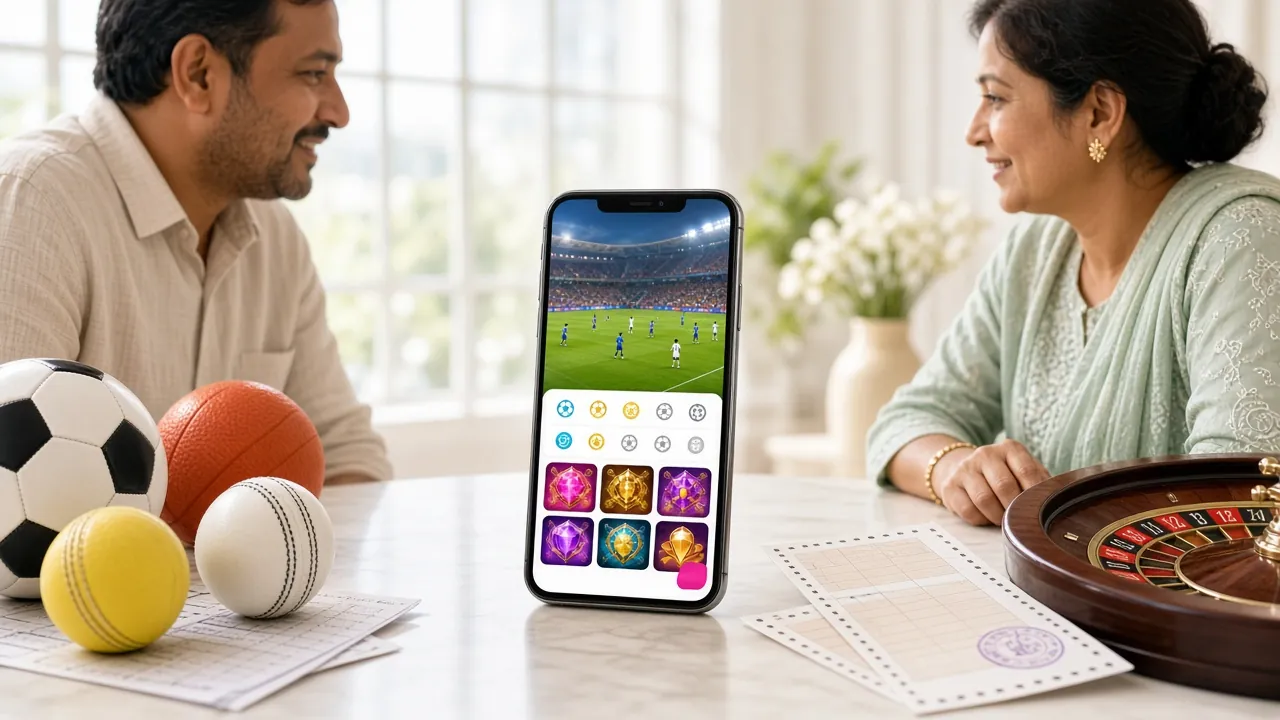
What You Can Play Inside the spi9 App
The spi9 app gives you access to over 3,000 games across six categories. Below are the main sections you will find after logging in. All categories are available on the same account you use on the website.

Slots
Hundreds of slot titles from JILI, Pragmatic Play, Ezugi, and Evolution. Games like Boom Legend and Dinosaur Tycoon load quickly even on a 3G connection. Minimum bet starts from ৳1 so you can play for any budget.

Live Casino
Real dealers, real tables — streamed live to your phone. Play Mini Baccarat or Double Exposure Blackjack from Evolution and JILI. The app handles the video stream smoothly on most 4G phones sold in Bangladesh.
Cricket Betting
Place bets on BPL, IPL, T20 World Cup, and ODI series directly from the app. Live in-play betting lets you react to the match as it unfolds. Notifications alert you when your bet is settled or a match is about to start.
Fishing Games
Shade Dragon Fishing, Relax Fishing, and Happy Fishing from Ezugi and Red Tiger are optimised for touch screens. Tap to shoot, catch fish, and collect winnings. These are some of the most popular game types among mobile players in Bangladesh.
Crash & Instant Games
Fast-round games like Aviator and Spribe titles are built for short sessions. Cash out before the multiplier crashes to lock in your win. Rounds last under 30 seconds, making them ideal for playing between overs during a cricket match.
Deposits & Withdrawals
Deposit via bKash, Nagad, Rocket, Upay, or Bank Transfer directly inside the app. Deposits reflect in under 1 minute. Withdrawals are processed in under 7 minutes. The minimum deposit is ৳200 and the minimum withdrawal is ৳500.
Looking for the full game catalogue? Visit the spi9 Casino page for a complete overview by category and provider.
Install Problems & How to Fix Them
Most install failures on Android come down to one of five issues. Check the table below before contacting support — these fixes resolve the problem in most cases without needing live chat.
| Problem | Likely Cause | Fix |
|---|---|---|
| "App not installed" error after tapping the APK | An older version of the spi9 app is already installed on the device, and the existing install is conflicting with the new package signature. | Uninstall the old version first: go to Settings → Apps → spi9 → Uninstall. Then re-open the APK file and install fresh. Your account data is stored server-side, so nothing is lost. |
| Install blocked — "Unknown sources not allowed" | The Android security setting to allow APK files from outside the Play Store has not been enabled for the browser or file manager you are using. | Go to Settings → Security → Install Unknown Apps. Find your browser (Chrome, Firefox, or the Samsung browser) and toggle "Allow from this source" to on. Then tap the APK file again. |
| Download stalls at a certain percentage and does not complete | Unstable mobile data connection. The file is 58 MB — a brief dropout during download corrupts the partial file. | Switch to Wi-Fi if available, or move to an area with a stronger signal. Delete the partial file from Downloads and start the download again from this page. |
| App installs but crashes on the loading screen | The device is running Android 5.x or below, which is below the minimum requirement of Android 6.0. Some very old budget phones fall into this category. | Check your Android version: Settings → About Phone → Android Version. If you are on Android 5 or lower, use the mobile browser version at spi9.pro instead of the app. |
| Games load but the screen is blank or frozen in live casino | Live casino streams require a stable connection of at least 2 Mbps. On a congested 3G network or during peak hours, the video buffer cannot keep up. | Close background apps to free up RAM. Switch from 3G to 4G or connect to Wi-Fi. If the issue persists on a good connection, force-stop the spi9 app (Settings → Apps → spi9 → Force Stop) and relaunch. |
If none of these fixes work, contact 24/7 Live Chat from inside the app or from the spi9.pro website. Have your Android version and phone model ready to speed up the process.
Questions About the spi9 App
Clear answers to the questions new users ask most often before downloading.
01 Is the spi9 APK file safe to install on my phone?
Yes, when downloaded from this page (spi9.pro/spi9-app/). The APK file is exactly 58 MB and is served over HTTPS. The app does not request access to your SMS, contacts, or location — only standard internet access. Android's "unknown sources" warning is a blanket alert for all APK files and does not indicate anything specific about the spi9 app. Never install a file called spi9.apk from a third-party website or Telegram group, as those may be modified versions.
02 My phone says the installation failed. What should I do?
Start by checking if an older spi9 app is already installed — go to Settings → Apps and look for spi9. If it is there, uninstall it, then try again. If the error persists, go to Settings → Security → Install Unknown Apps and make sure your browser has permission. Also confirm your phone runs Android 6.0 or higher. The troubleshoot table above covers the five most common failure reasons with step-by-step fixes for each one.
03 How do I update the spi9 app when a new version comes out?
When a new version is available, the app will show an update prompt on the home screen the next time you open it. Tap "Update Now" and the app will download and install the new APK automatically over your current install — your account and settings are preserved. Alternatively, you can return to this page and download the latest APK manually. The current version is 2.2.16, last updated on 6 November 2026. You do not need to uninstall first when updating.
04 Can I use the same account on both the app and the website?
Yes. Your spi9 account works across all platforms — the Android app, the mobile browser, and the desktop website. Your balance, bonuses, transaction history, and VIP tier are all shared in real time. You can start a session on the website and continue it in the app without losing progress. However, for security reasons you can only be actively logged in on one device at a time. Logging in from a second device will end the first session automatically.
05 Does the app work on iPhone or iPad?
APK files are Android-only. iPhone and iPad users cannot install the APK. The best option on iOS is to open spi9.pro in Safari, then use the Share button to Add to Home Screen. This creates a shortcut that behaves like an app — it opens in full screen without the browser address bar. All game categories, deposits via bKash and Nagad, and live chat support are fully accessible through the Safari web app on iPhone. Live casino streaming also works well on most recent iPhone models.
06 Will the app work on a slow 3G connection?
Slots, fishing games, and sports betting work on most 3G connections. Live casino streaming requires a more stable connection of at least 2 Mbps because it involves a live video feed. If the live video freezes frequently, switch to 4G or Wi-Fi. Crash games like Aviator also need a low-latency connection — a 3G connection with high ping may cause the cash-out button to register late. The app itself loads significantly faster than the browser version on slower connections because it caches interface assets locally.
07 Do I need to create a new account to use the app?
No. If you already have a spi9 account, just enter your username and password on the app login screen. Your existing balance, active bonuses, and VIP status will all be there. If you are new to spi9, tap the Register button inside the app — it takes under two minutes using your phone number. After registering, your first qualifying deposit of at least ৳200 is eligible for the welcome bonus. You can also register on the website first and then log in through the app.
Need Help?
Our support team is online around the clock. If the troubleshoot table above didn't solve your issue, start a live chat directly.
Open Live ChatQuick Links
- SSL Encrypted
- 18+ Only
- 24/7 Support
- bKash & Nagad
- Secure Login
- Free APK
- Android 6.0+
- ৳ BDT Deposits